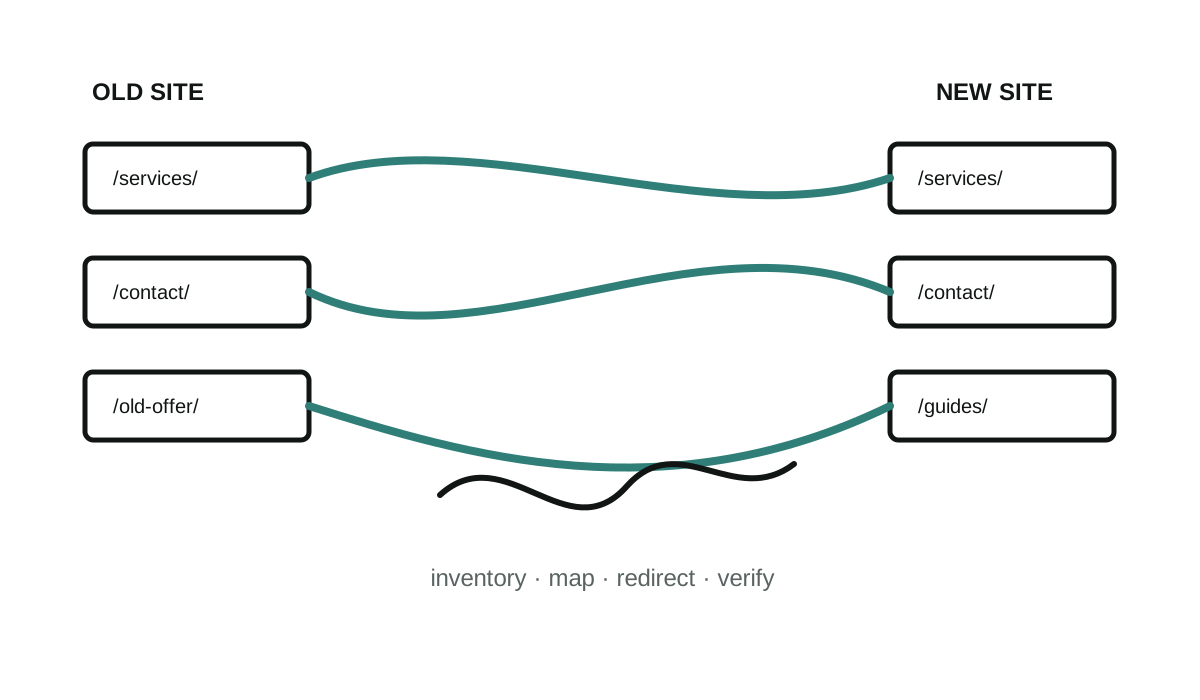
A migration can change the framework, design, hosting, and content structure at the same time. The visible redesign is only one part of the work.
Inventory the existing site
Start with the public URLs, page titles, canonical URLs, indexability, important media, forms, analytics, and any known search or backlink data. Decide which pages are useful, which should be improved, and which no longer deserve a replacement.
Keep good URLs when practical
If an existing page still serves the same purpose, keeping its URL avoids an unnecessary move. When a URL must change, map it to the closest relevant new page and implement a permanent server-side redirect.
Do not send every removed page to the homepage. An irrelevant redirect can confuse visitors and may be treated as a soft 404.
Build the new signals consistently
The new pages need self-referencing canonical URLs, crawlable internal links, accurate metadata, and a sitemap containing the preferred public URLs. Any temporary noindex rule used on a preview must be removed before launch.
Compare before and after
Check old and new routes page by page. Confirm redirects, status codes, page content, titles, canonicals, forms, analytics, robots rules, and the sitemap. Submit the new sitemap through the appropriate search tools and monitor crawl errors after launch.
Search visibility can fluctuate during a move, and no developer can guarantee rankings. Careful mapping and verification reduce avoidable mistakes; they do not control search engines.
Google maintains detailed guidance on site moves and redirects for the parts of this process that affect Google Search.